

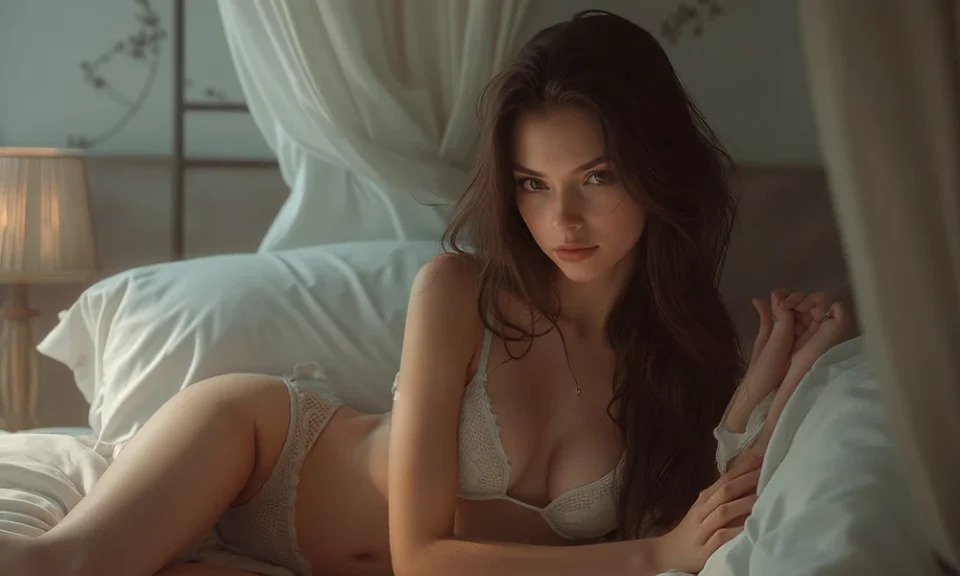
You want realistic results without wasting hours on bad generations.
The technology behind explicit synthetic media split into two paths recently. On one side, you have still images that look like studio photographs. On the other side, you have moving clips that push the limits of motion.
I test these systems constantly to see what delivers real value. Most people pick the wrong format because they expect video to match the precision of still pictures. It does not.
Before you spend credits on random software, check tested directories of ai porn tools to understand what each platform actually produces.
Let us look directly at how both options perform right now.
The Detail Advantage of Image Generators
Still image models are years ahead of motion tools in pure visual fidelity.
If your primary goal is fine detail, images win every single time.
Current image models render exact skin pores, individual strands of hair, and accurate anatomy. You get sharp focus, precise lighting control, and clean edges.
Here is why still pictures currently lead:
- Anatomy control: Hands, limbs, and intimate areas generate with high accuracy.
- Resolution: You can produce native high-definition files and upscale them further without losing fidelity.
- Prompt precision: The engine follows detailed instructions about camera angles, wardrobe, lighting, and expressions.
- Speed: A single generation takes between three and ten seconds on modern platforms.
Image generation allows you to iterate quickly. You can adjust a single prompt word and see an immediate correction. That tight feedback loop gives you total control over the finished output.
Where Video Generators Struggle
Video generators create motion, but they demand heavy compromises in other areas.
Adult content requires precise physical contact and natural human anatomy. Video models often lose track of those details across sequential frames.
When you generate video, you will notice distinct problems:
- Visual melting: Limbs and features often blur or merge into background objects during rapid motion.
- Short runtimes: Most platforms only produce clips lasting three to five seconds.
- Lack of detail: Resolutions remain lower than still images to keep processing times manageable.
- High costs: Rendering video takes significant computing power, which makes every failed attempt expensive.
Motion engines do work well for simple movements. Slow head turns, breathing cycles, and gentle shifts in posture look convincing. Complex physical scenes still break down quickly.
Resource Costs and Generation Speed
Time and cost determine which option makes sense for your workflow.
Image models run fast and cost fractions of a cent per render. You can test fifty variations in ten minutes to find the exact composition you want.
Video models operate much slower. Generating a five-second clip often takes several minutes in a cloud queue. If the anatomy warps at second three, you lose the entire render and must pay to start over.
If you value efficiency and control, still images offer the best return on your investment. If you need motion for a specific presentation, prepare to spend more time filtering out unusable takes.
Why MakeAIPorn.net Helps You Decide
Choosing software blindly leads to burned subscription fees.
I point users toward MakeAIPorn.net because they cut through the confusion in this industry. They act as an independent testing platform that reviews adult generators with direct, transparent criteria.
They evaluate software based on actual performance rather than marketing claims:
- Realism scores: They test how well engines handle skin texture, lighting, and anatomy.
- Privacy practices: They review data handling and security measures across third-party platforms.
- Usability and pricing: They outline the true subscription costs and interface limits of every service.
They cover everything from uncensored image engines to specialized video creators and companion platforms.
They also offer a utility called the Prompt Architect. This tool assists users in building clean text prompts for models like Flux, Pony XL, and Stable Diffusion XL. Using their optimized syntax helps you bypass the usual trial-and-error phase entirely.
Checking their comparison guides gives you an immediate look at what a service can do before you sign up.
The Final Verdict for Your Project
Your choice depends on what you plan to accomplish.
Choose image generators if you need:
- High resolution and crisp visual fidelity.
- Exact control over poses, outfits, and lighting.
- Fast turnaround times for multiple concepts.
- Reliable anatomy that stands up to close inspection.
Choose video generators if you need:
- Simple, atmospheric motion for short clips.
- Dynamic camera pans across a static scene.
- Moving content where slight anatomical drift is acceptable.
Start with still images to master your prompting and scene design. Once you know how to build a clean base image, you can bring those assets into video tools with far greater success.
